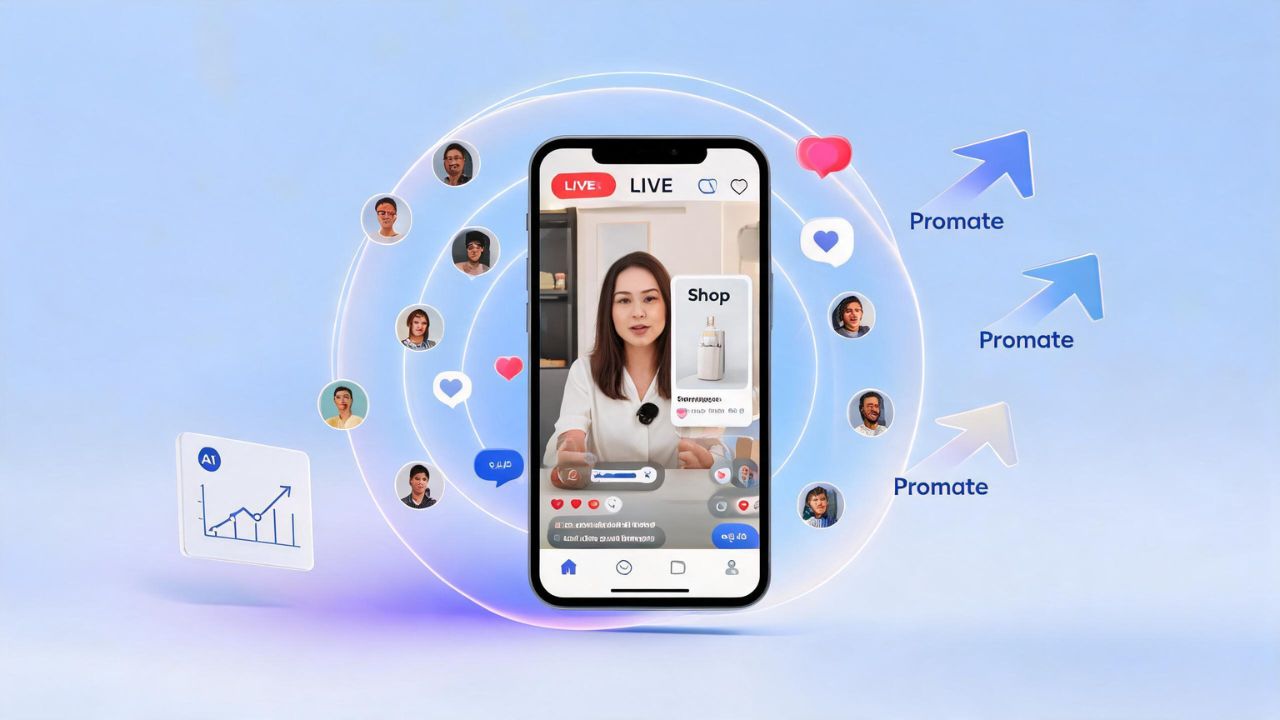
A student recently asked me a great question after watching a vendor run a TikTok LIVE stream.
"I noticed some TikTok lives appear on my screen much more frequently than others. Is that because they are being promoted through ads? How does it work? Can you actually run ads directly to a TikTok LIVE?"
Short answer: yes, you can. But the way it works depends on what kind of LIVE you are running. Let me walk you through the whole thing.
Note: TikTok updates its ad products frequently. This is a May 2026 snapshot. Always confirm the current workflow inside your own account before acting on it.
Why Some LIVE Streams Appear More Often Than Others
When you scroll through TikTok and a LIVE stream pops up repeatedly, there are two possible reasons. First, TikTok's algorithm is showing it to you organically based on your interests. Second, the host is actively paying to promote that LIVE.
TikTok gives creators and businesses tools to buy their way into more feeds, specifically during a LIVE stream. That may be what the vendor you watched was doing, especially if the LIVE appeared repeatedly or was part of a selling event.
Two Routes for Promoting a TikTok LIVE
There are two broad ways to promote a TikTok LIVE with paid ads: Promote for regular LIVEs, and TikTok Shop ad products for shoppable LIVEs. On the Shop side, TikTok's current direction is GMV Max, although older and related documentation still references LIVE Shopping Ads as a separate workflow.
- Promote (the lightweight, fast route for any LIVE)
- TikTok Shop LIVE promotion (the Ads Manager route, only for TikTok Shop sellers)
Which one you use depends on whether you are selling products through TikTok Shop.
TikTok Ads Unleashed - Your Blueprint to Strategic Success
Route 1: Promote (For Regular LIVE Streams)
Promote is TikTok's simplified boost tool. It is built directly into the TikTok app and is the officially recommended way to drive paid viewers into a regular, non-shopping LIVE stream.
What it does
You pay TikTok a set budget and TikTok shows your LIVE to more people. One of the available goals is called LIVE views, which means the system is specifically optimized to get people to click into your stream.
How to set it up, step by step
You can launch a Promote campaign in a few different ways:
Before you go LIVE:
- On the LIVE setup screen, tap the Promote icon above the "Go LIVE" button
- Choose your promotion goal (select LIVE views)
- Choose your audience: default or custom
- Set your budget and how long the promotion will run
- Pay and launch
During your LIVE:
- Open the Share menu inside the LIVE interface
- Tap Promote
- Follow the same steps above
You can also access Promote through TikTok Studio or Business Suite on the web.
What you can measure
Promote shows you basic analytics: how many people viewed, liked, commented, followed, or visited your profile as a result of the promotion. It also shows audience breakdowns by gender, age, and region.
Important rules for Promote
- You must be 18 or older
- Your content must be public
- You must use original sound or audio that is licensed for commercial use
- Political content and tobacco-related content are not allowed
- Government and political accounts are not eligible
Route 2: TikTok Shop LIVE Promotion for Sellers
Can You Run TikTok Ads to a TikTok Shop LIVE?
Yes, and it is well-documented. If you sell products through TikTok Shop and you run LIVE shopping streams, TikTok gives you a detailed advertising toolkit inside TikTok Ads Manager and Seller Center.
This is the route used by vendors and brands who are actively selling during their streams.
TikTok's current primary tool for this is LIVE GMV Max. As of July 2025, TikTok says GMV Max is the default and only supported campaign type for TikTok Shop Ads when using the Sales objective with TikTok Shop as the sales destination. A related option called LIVE Shopping Ads is still documented, but its creation workflow has been largely superseded. If you have seen older tutorials showing different Ads Manager setups for Shop campaigns, those workflows are outdated.
The three tools in the TikTok Shop LIVE ad stack
A) LIVE GMV Max (Current primary route)
LIVE GMV Max is TikTok's automated Shop Ads campaign type for promoting shoppable LIVEs. It is designed to optimize LIVE-room traffic toward gross revenue, so people can discover your livestream, enter the room, browse products, and buy without leaving TikTok. Unlike a manual campaign, GMV Max handles much of the delivery and optimization automatically.
How to set it up:
- In TikTok Ads Manager, go to the GMV Max section in the top navigation
- Choose your shop
- Click Create GMV Max ads, then select Promote LIVE
- Make sure your TikTok Shop is connected to Business Center with the right permissions
- Choose the TikTok account hosting the LIVE
- Set your LIVE ROI target
- Set your daily budget
- Set your schedule
- Publish
Note: You can only run one active LIVE GMV Max campaign at a time. If you have a LIVE Shopping Ads campaign running, you need to turn it off before launching GMV Max for the same LIVE.
Currently, LIVE GMV Max is documented for Indonesia, Malaysia, the Philippines, Thailand, Vietnam, and Singapore. TikTok is expanding it, but confirm availability in your region before planning a campaign around it.
B) LIVE Shopping Ads (Related/legacy route)
TikTok still has documentation for LIVE Shopping Ads, and existing campaigns may remain active, but TikTok says new creation, editing, or duplication of LIVE Shopping Ads is no longer supported under the Sales objective + TikTok Shop flow after the July 2025 migration. The steps below reflect what the workflow looked like and may still be useful as reference, but do not plan a new campaign around this route without first confirming it is available in your account.
How to set it up (legacy reference):
- Go to TikTok Ads Manager
- Click Create ad
- Choose Sales as your campaign objective
- Set the product source to TikTok Shop
- Select LIVE Shopping Ads
- Choose the TikTok identity (account) that will be going LIVE
- Set your audience targeting (TikTok recommends targeting 18+ and keeping the audience broad, since narrow targeting limits reach during short LIVE windows)
- Set your budget and schedule to match when your LIVE will happen. Note that your livestream must be starting within 48 hours of the scheduled start time.
- Choose your optimization goal (see the list below)
- Choose your attribution window
- Set your bidding strategy
- Choose your ad format: Real-time LIVE (pulls from your actual LIVE feed) or Single video (a pre-recorded clip that leads people into the LIVE)
- Submit
Optimization goals you can choose from:
- Click
- Viewer Retention
- Product Click in LIVE
- Initiate Checkout
- Purchase
- Gross Revenue
Bidding strategies:
- Maximum Delivery (spend the budget as efficiently as possible)
- Min ROAS / Cost cap (protect your return on ad spend)
These ads can appear in the main TikTok feed, in search results, and in the TikTok Shop tab.
C) Viewer Boost (inside LIVE GMV Max)
This is a newer feature (documented in early 2026) that sits inside a LIVE GMV Max campaign. Its only purpose is to bring more viewers into your LIVE room, regardless of whether they buy.
Think of it as a separate viewership push you can activate during a big sale event or product launch.
How to access it:
- In Seller Center, go to Shop Ads (in the US, click Marketing first)
- Open an active LIVE GMV Max campaign
- Click Optimize, then Viewer Boost
- Set a separate budget just for the boost
- Set the schedule
Important notes:
- Viewer Boost has no cost control. You set the budget, but TikTok does not guarantee a specific cost per viewer.
- It does not qualify for ROI protection.
- It may not be available on all accounts yet.
What Should Most People Use?
For most non-sellers, the answer is Promote with the LIVE views goal. It is available inside the app, it takes a few minutes to set up, and it does not require a TikTok Shop or an Ads Manager account.
For TikTok Shop sellers, start by checking whether LIVE GMV Max is available in your account. That is TikTok's current default route. LIVE Shopping Ads are no longer supported for new creation under the current Shop Ads flow, so do not build a campaign plan around them.
Important: TikTok Shop ad tools vary by country and account. Always confirm availability inside Ads Manager or Seller Center before planning a campaign around these tools.
TikTok Ads Unleashed - Your Blueprint to Strategic Success
How to Think About These Options as a Decision
Here is a simple way to decide which route applies to you:
| Your situation | Which route to use |
|---|---|
| Regular LIVE, no TikTok Shop | Promote with the LIVE views goal |
| TikTok Shop LIVE, want TikTok's automation | LIVE GMV Max (current primary route) |
| TikTok Shop LIVE, want manual campaign control | LIVE Shopping Ads (new creation no longer supported after July 2025 migration; existing campaigns may still be active) |
| TikTok Shop LIVE, need to boost viewers quickly during a sale event | Viewer Boost inside LIVE GMV Max |
What About Measuring Results?
For Promote, you get basic data: views, followers gained, likes, comments, profile visits, and audience breakdown. It is enough to tell whether your LIVE is getting discovered, but it does not measure sales.
For TikTok Shop LIVE promotion, the measurement is much deeper because TikTok can track what happens inside the LIVE room and inside the Shop. The metrics below come primarily from LIVE Shopping Ads and GMV Max reporting documentation:
- LIVE views and unique viewers
- Product clicks during the LIVE
- Products added to cart
- Checkouts initiated
- Purchases completed
- Gross revenue and ROAS (return on ad spend)
TikTok also tracks attribution differently for LIVE Shopping Ads. The default window is 7-day click and 1-day view, meaning TikTok counts a sale as influenced by the ad if someone bought within 7 days of clicking or within 1 day of seeing it. There is also a stricter 30-minute click window that only counts purchases made inside the LIVE room within 30 minutes of clicking the ad.
A Few Things to Keep in Mind
Eligibility matters. You need to be 18 or older to go LIVE on TikTok, and TikTok also requires you to meet a minimum follower count in your region. LIVE features are not available in all countries.
Disclosure is required. If your LIVE is promoting a brand, product, or service, TikTok requires you to turn on the content disclosure setting before you go live.
TikTok Shop Ads are region-specific. Not all these tools are available everywhere. Always check inside your own Ads Manager or Seller Center to confirm what is available to your account before building a media plan around it.
The full Ads Manager for non-Shop LIVE is less clear. TikTok's Ads Manager does mention that the Community Interaction objective can promote a livestream, but the detailed public documentation does not expose a clear step-by-step flow for sending standard ad traffic into a regular (non-Shop) LIVE from Ads Manager the same way it does for Shop Ads. The reliable, fully documented path for a regular LIVE remains Promote.
Can You Run TikTok Ads to a Non-Shop LIVE?
The short answer is: through Promote, yes. Through full Ads Manager with a direct-to-LIVE destination, the public documentation is not explicit enough to recommend it with confidence. Stick with Promote for regular LIVE promotion until TikTok makes a clearer Ads Manager path available.
Summary
Yes, you can run paid promotions for a TikTok LIVE. The vendor you saw may have been using one of these tools to make her stream appear in more people's feeds.
For most creators and instructors running regular content LIVE streams, Promote is the straightforward, beginner-friendly tool that handles everything from inside the app. For businesses running shoppable LIVE streams through TikTok Shop, LIVE GMV Max is TikTok's current default route, with Viewer Boost available as a supplementary option when raw audience size is the immediate priority.
The reason some LIVE streams appear on your screen far more often than others is usually a combination of the algorithm and paid promotion working together. And now you know how the paid side of that works.
TikTok Ads Unleashed - Your Blueprint to Strategic Success
Frequently Asked Questions
Can I run ads to a TikTok LIVE without TikTok Shop?
Yes. Use Promote with the LIVE views goal. It is available inside the TikTok app, does not require Ads Manager, and is TikTok's documented path for promoting a regular non-Shop LIVE.
Can I run TikTok Ads Manager campaigns directly to a regular LIVE?
TikTok's Ads Manager mentions that the Community Interaction objective can promote a livestream, but the detailed public documentation does not clearly expose a direct-to-LIVE destination for standard (non-Shop) campaigns. The most clearly documented Ads Manager LIVE ad workflows are for TikTok Shop. For a regular LIVE, use Promote.
Can TikTok Shop sellers promote LIVE streams through Ads Manager?
Yes. TikTok Shop sellers should use LIVE GMV Max, which as of July 2025 is TikTok's default and only supported campaign type for Shop Ads under the Sales objective. LIVE Shopping Ads are documented, but TikTok says new creation, editing, or duplication is no longer supported after the July 2025 migration. Both tools are managed through TikTok Ads Manager or Seller Center, subject to account permissions and regional availability.
This post is based on TikTok's official documentation as of May 2026. Since TikTok updates its ad products frequently, always verify current availability inside your own account.